• Vheer Logo
    Cruscotto VheerLiberare la creatività e l'immaginazione
Strumenti
  • Da testo a immagine
  • Da testo a video
  • Da immagine a immagine
  • Più immagini in un'immagine
  • Da immagine a video
  • Immagine a Prompt
  • Da immagine a testo
  • Rimozione dello sfondo
  • Iniziare - GratisAccedi
  1. Cruscotto
  2. Random Image Generator
random-image-generator placeholder

Non è stata ancora generata alcuna immagine

Immettere una richiesta e fare clic su "Genera immagine" per creare l'opera d'arte.

0/5000

Accedi per salvare la cronologia

La cronologia delle generazioni viene salvata in modo persistente quando si effettua l'accesso.

All Categories

Related Category Presets

Jump between random image categories without changing the route structure.
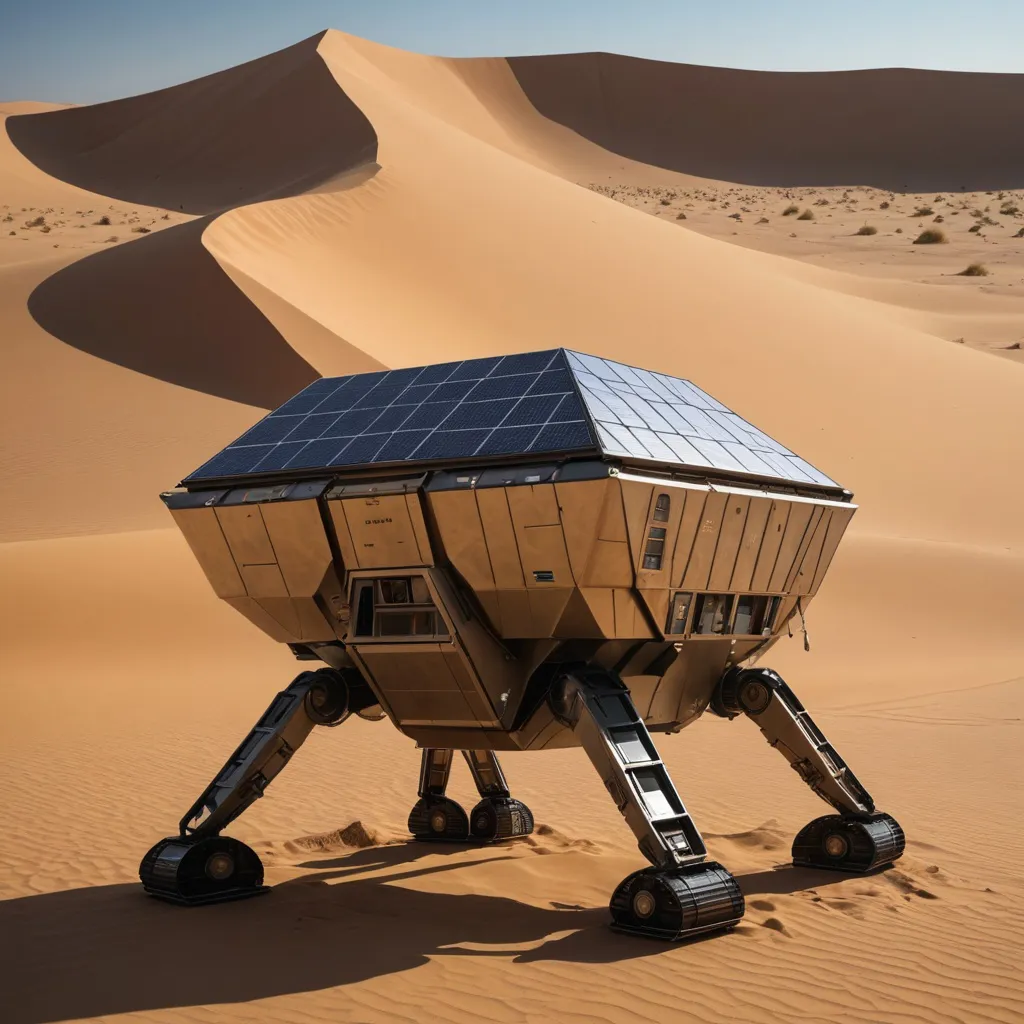
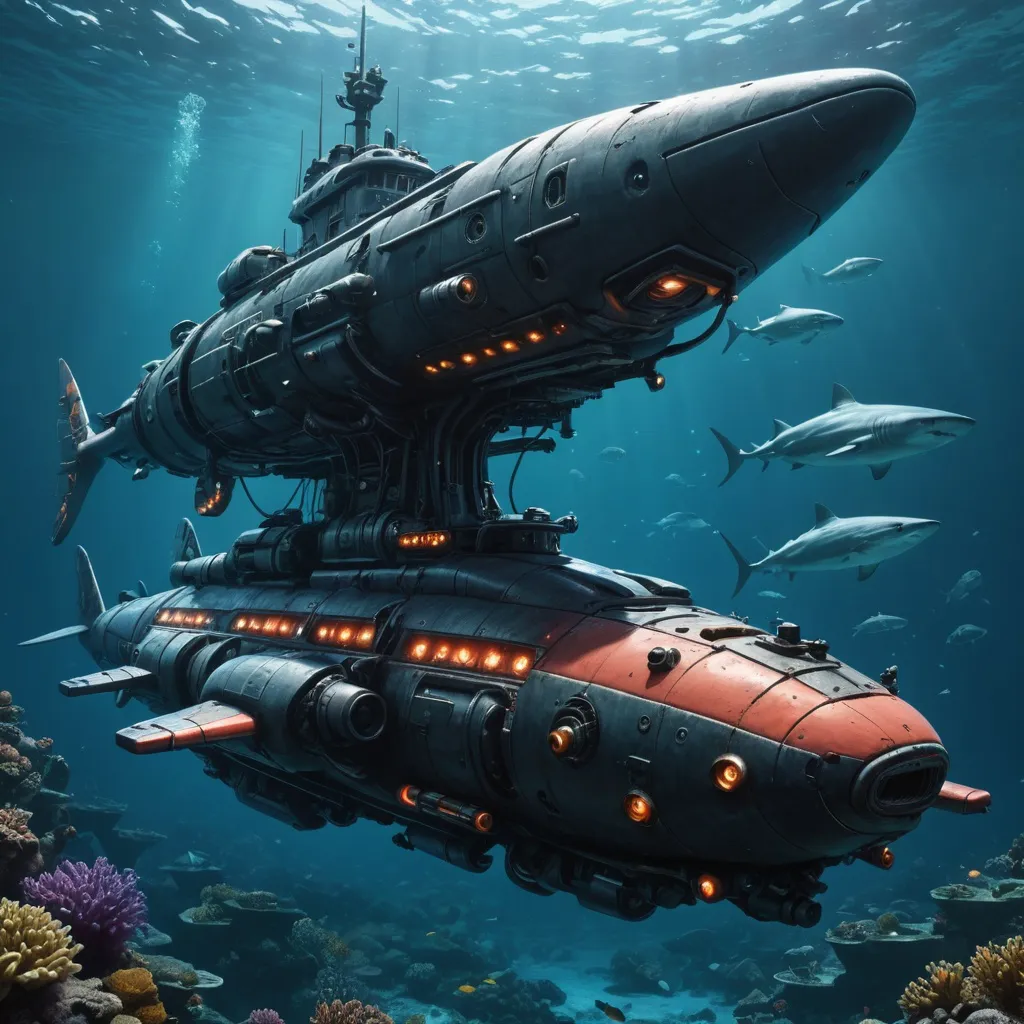
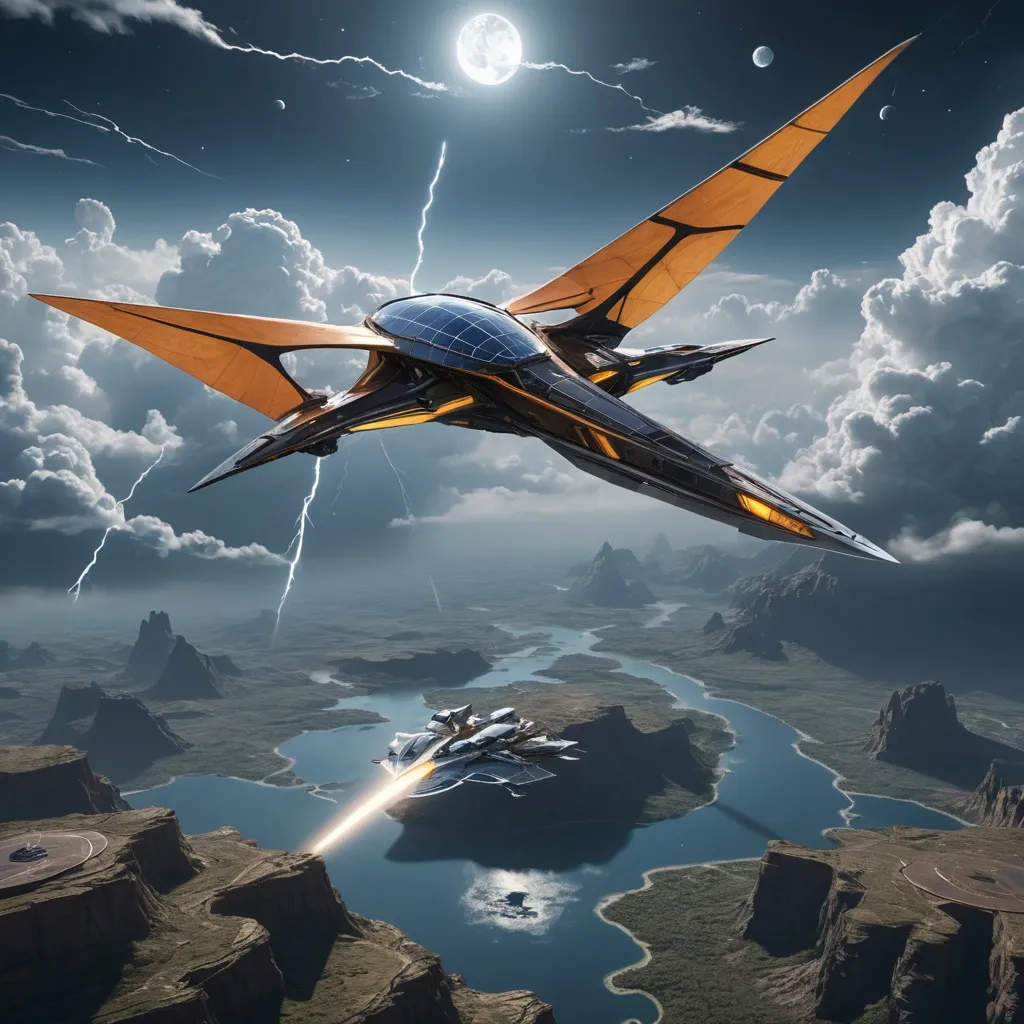
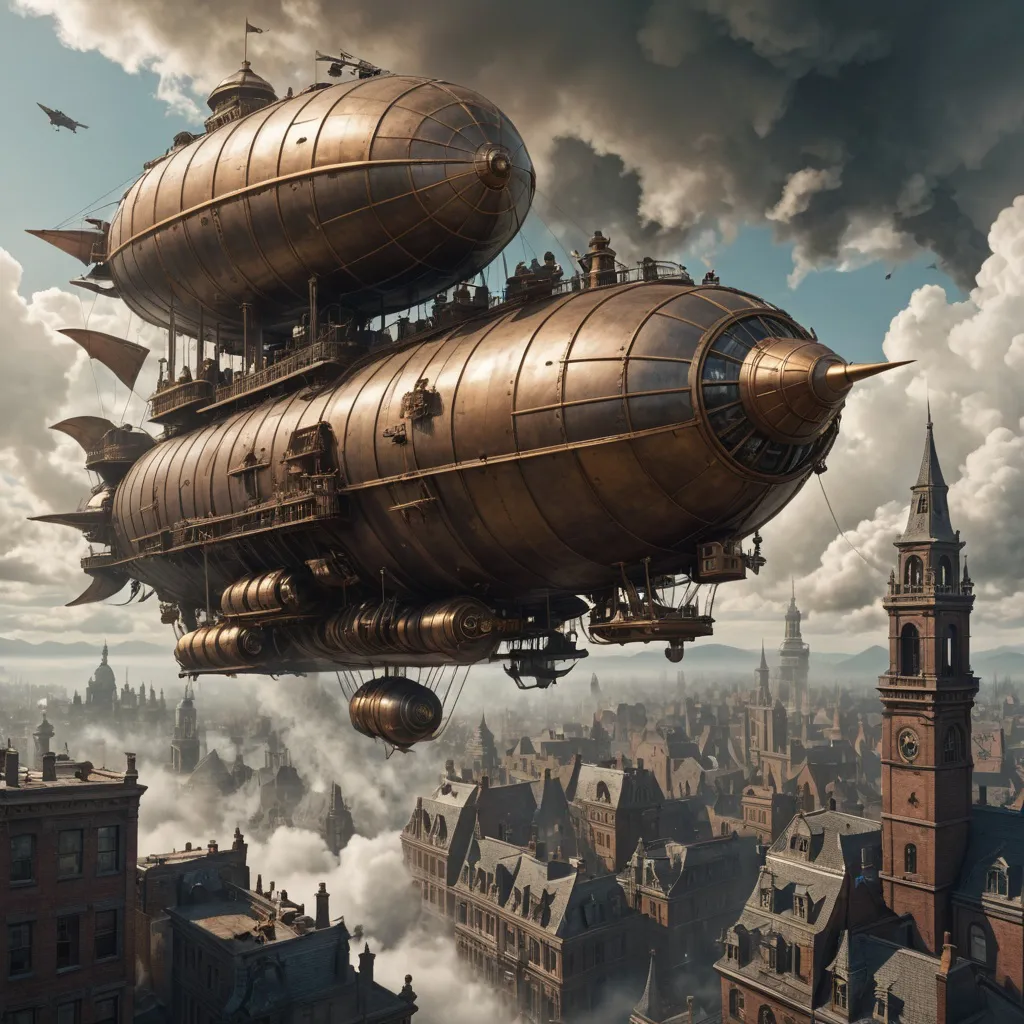
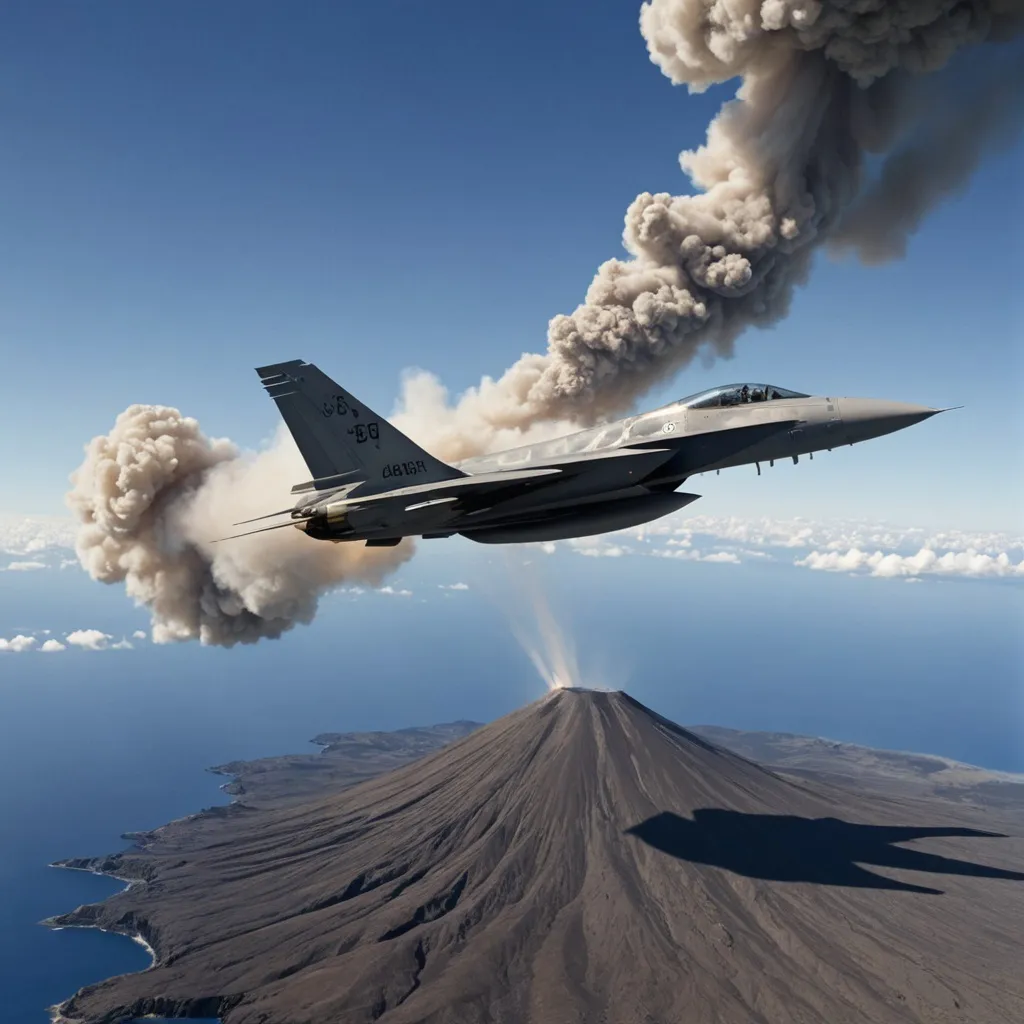
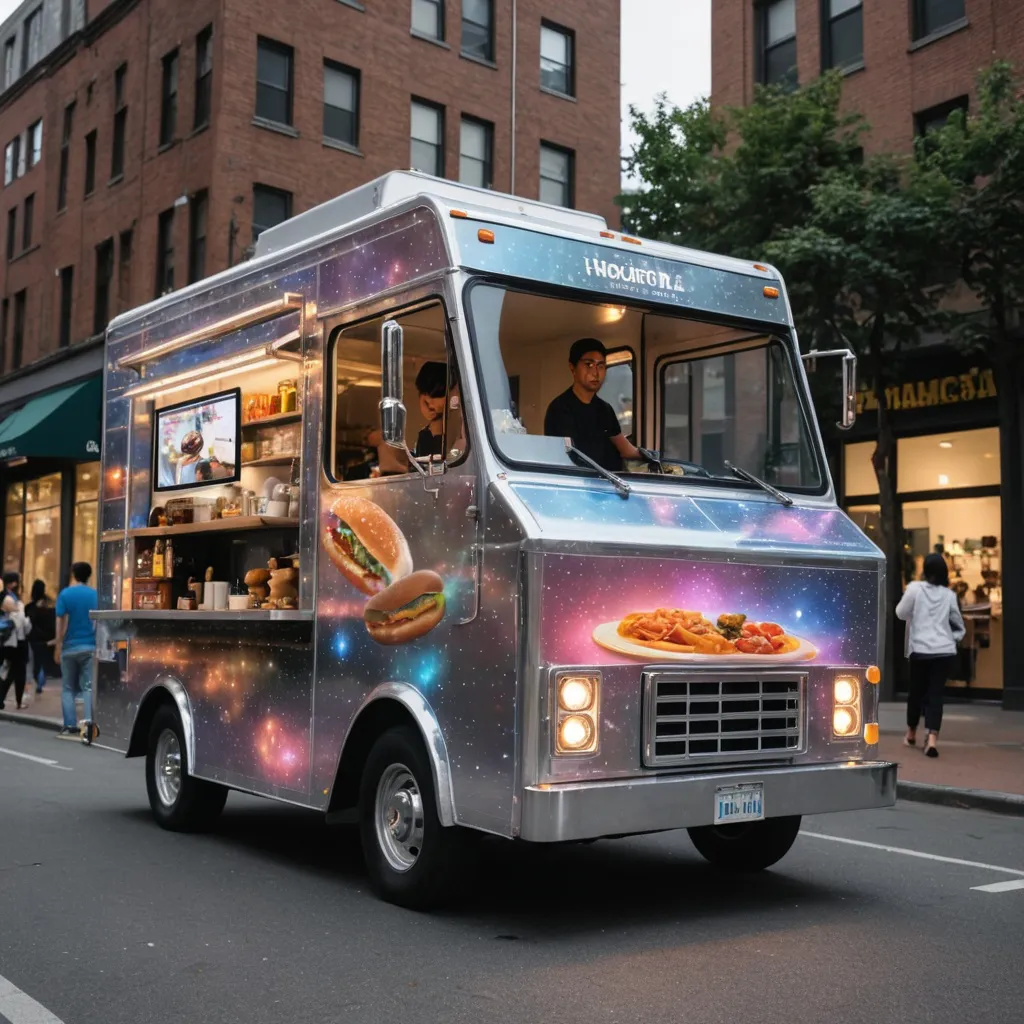
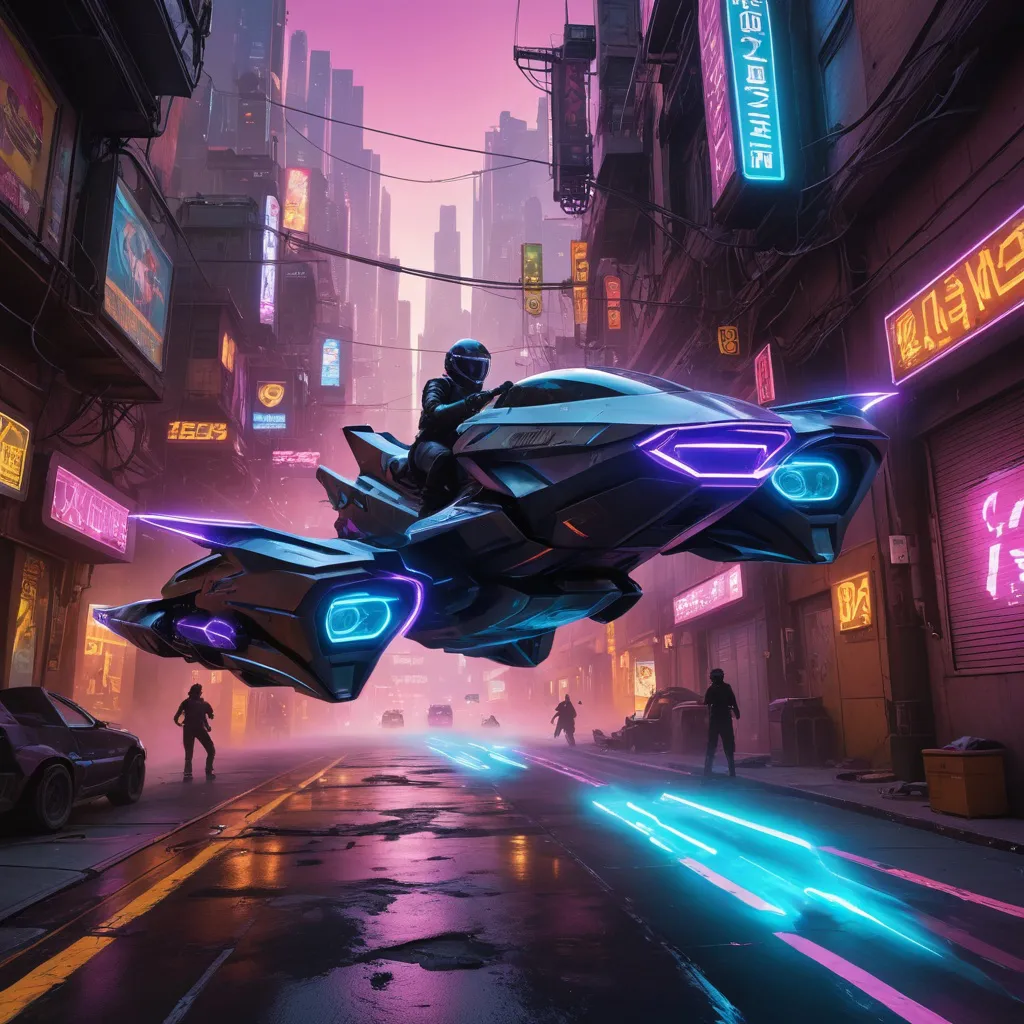
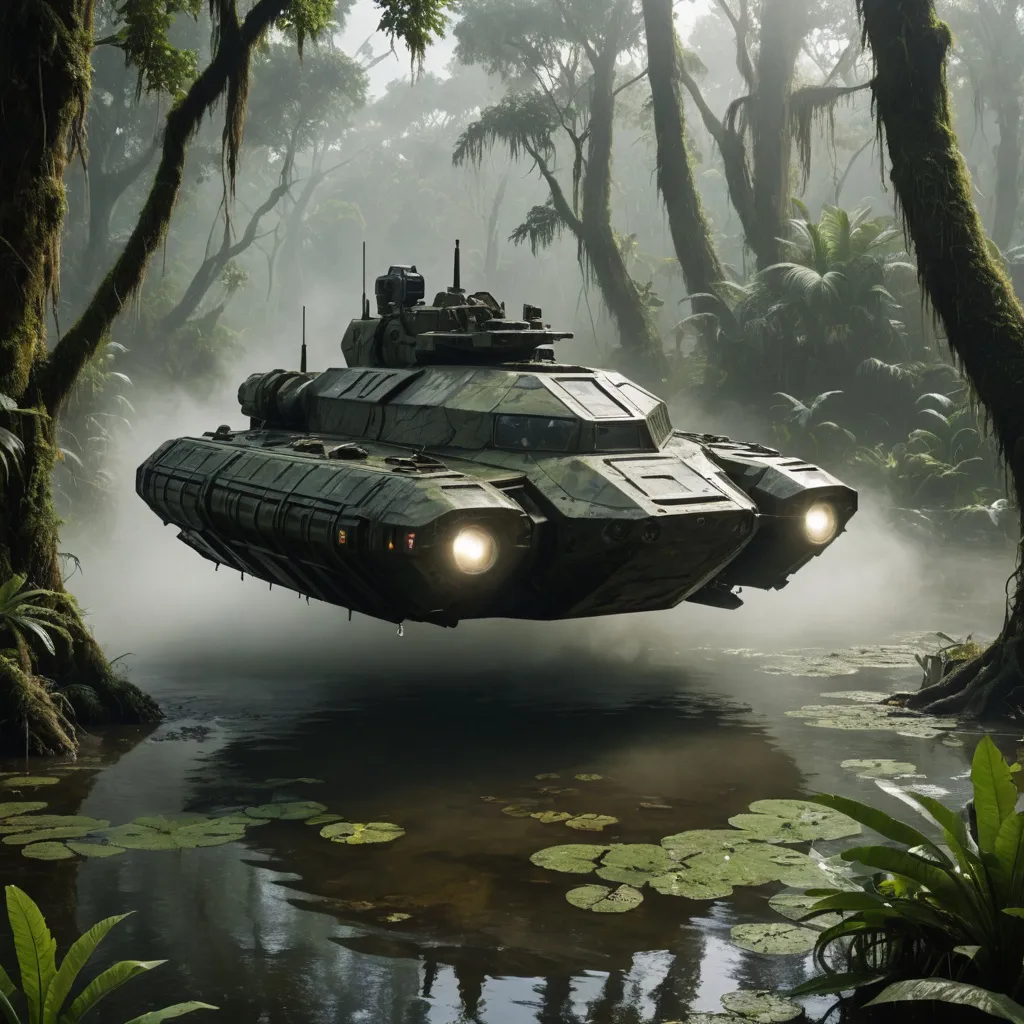
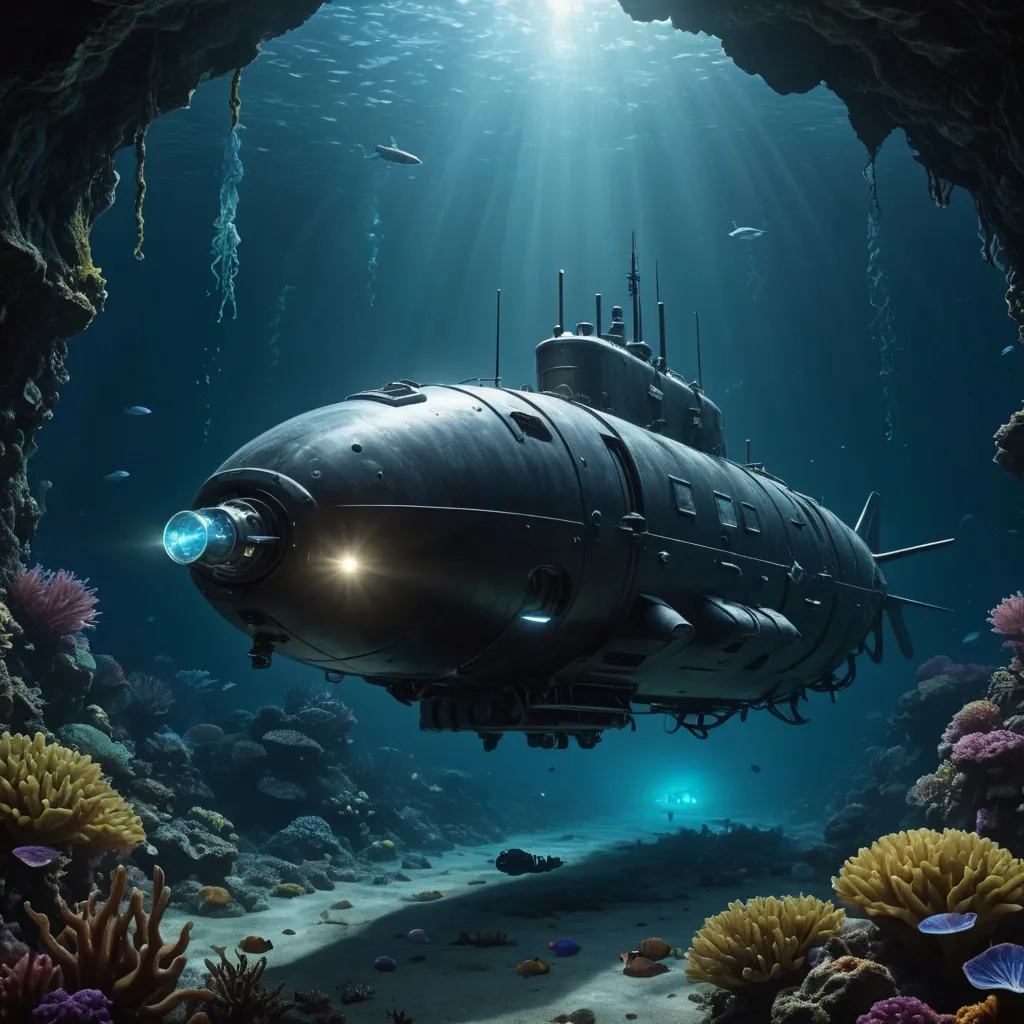
vehicle sample 1
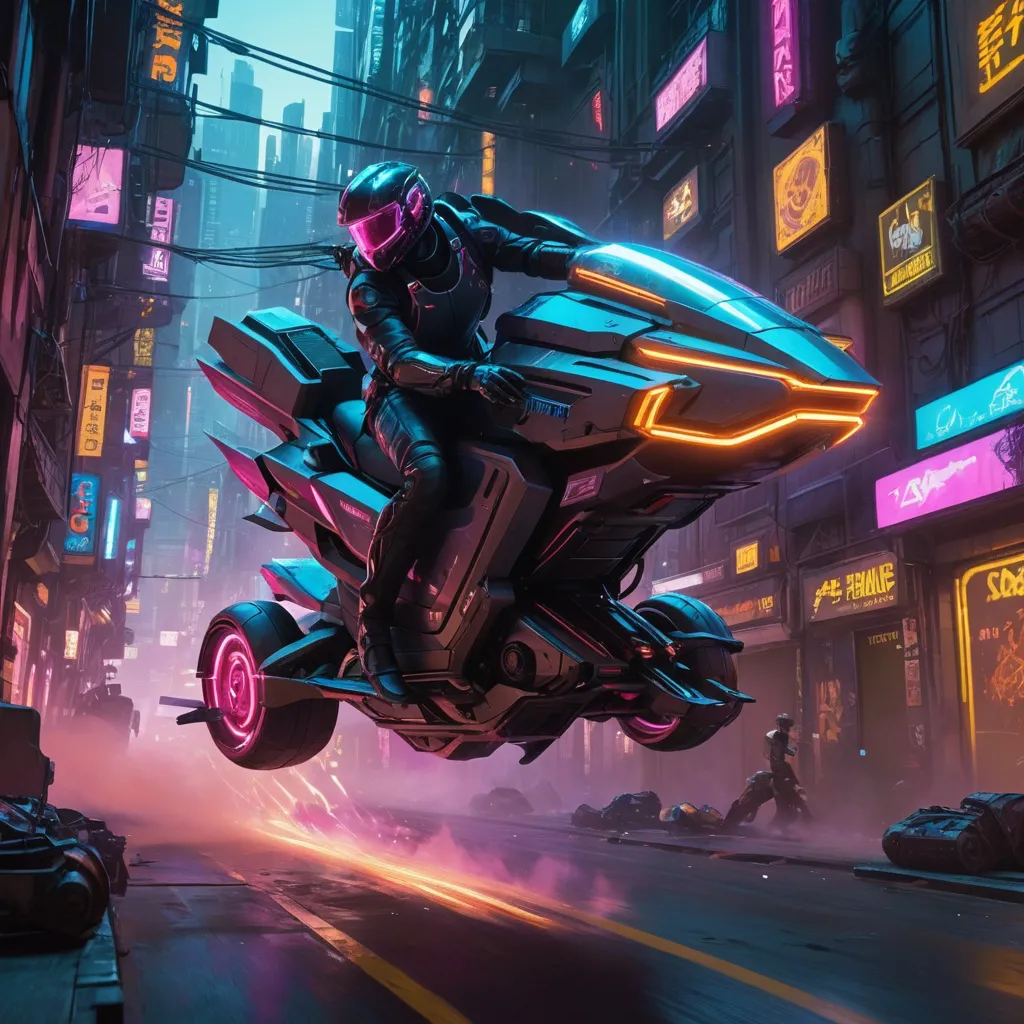
vehicle sample 2
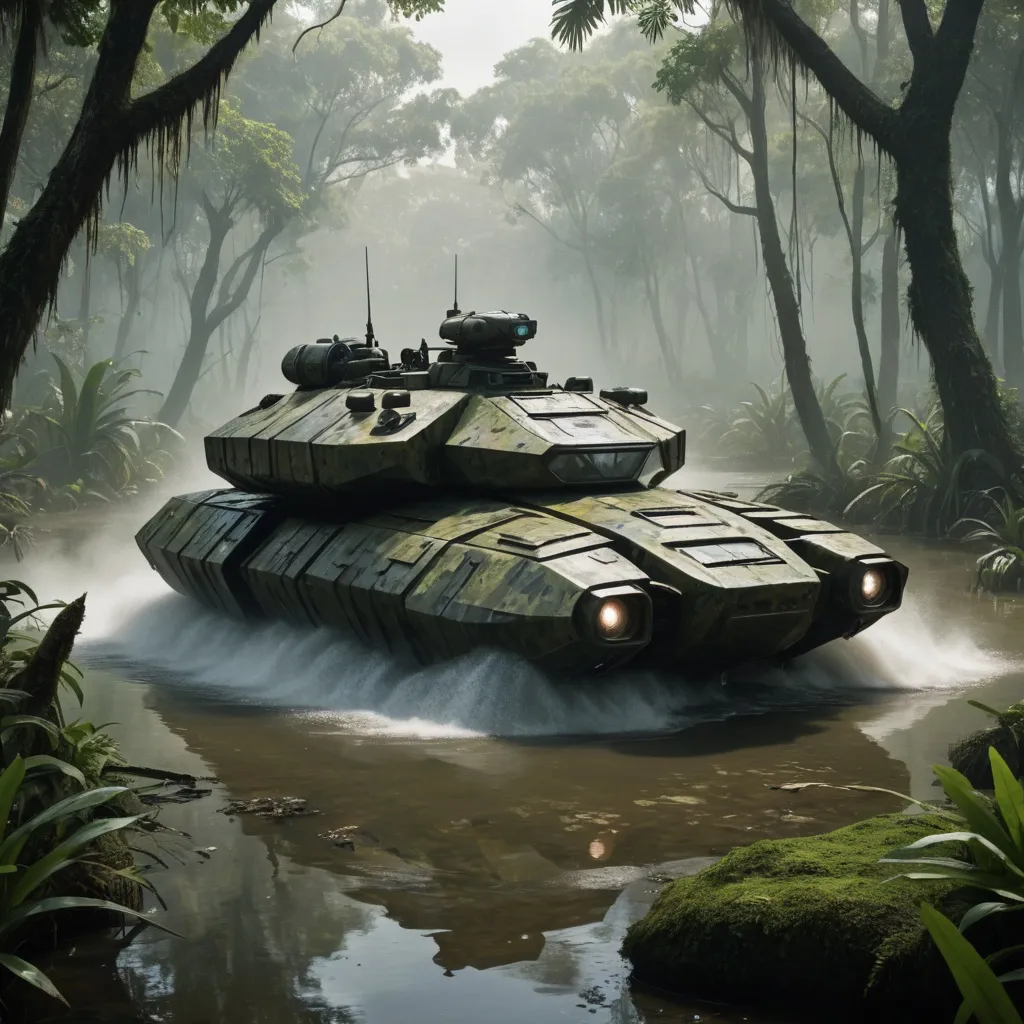
vehicle sample 3
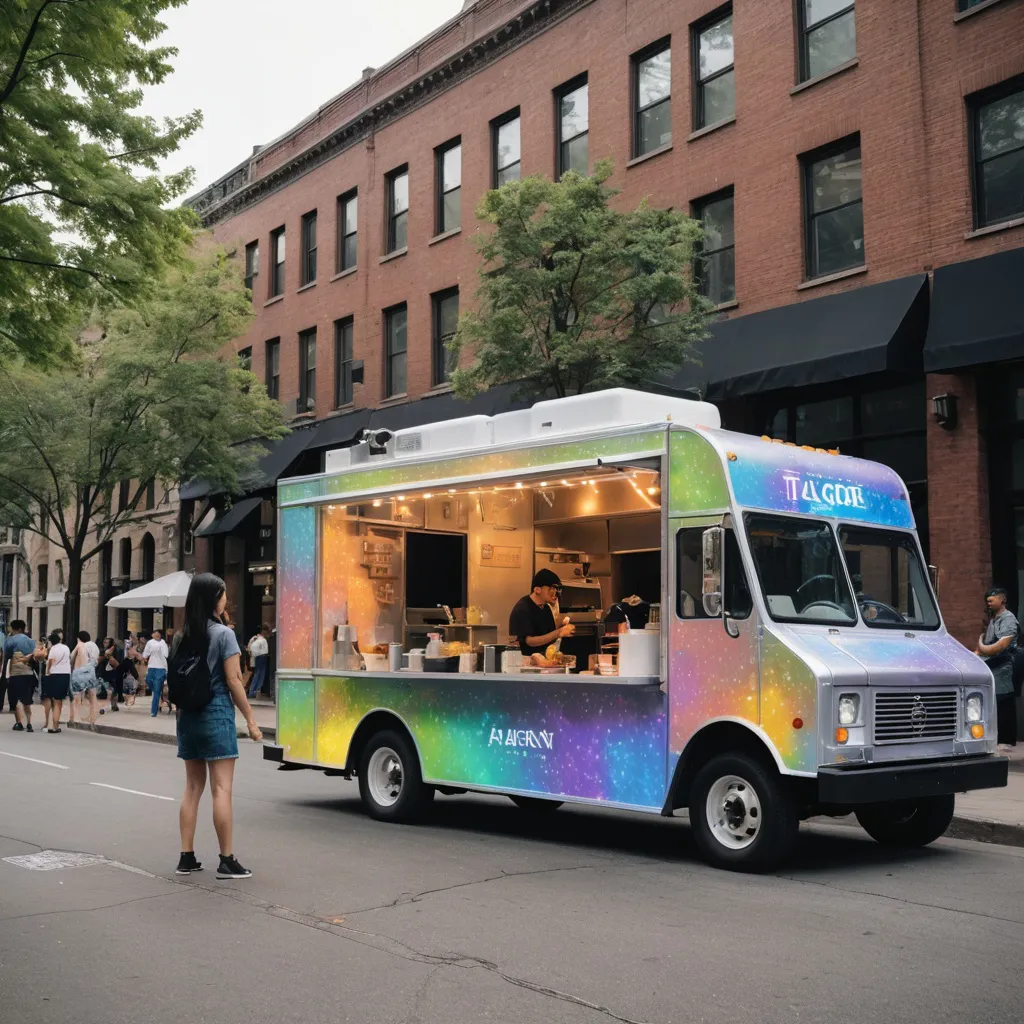
vehicle sample 4
vehicle sample 5
vehicle sample 6
vehicle sample 7
vehicle sample 8
vehicle sample 9
vehicle sample 10
vehicle sample 11
vehicle sample 12
vehicle sample 13
vehicle sample 14
vehicle sample 15
vehicle sample 16
vehicle sample 17
vehicle sample 18
vehicle sample 19
vehicle sample 20

How to Use the Random Image Generator

Create stunning AI-generated images in seconds. Follow these simple steps to generate random or custom images effortlessly.

  1. 1

    Click to Generate

    Press the 'Generate' button to instantly create four random images with AI.

  2. 2

    Enter a Prompt (Optional)

    Want specific images? Type a prompt like 'sunset over mountains,' 'futuristic city,' or 'cute dog' to generate customized results.

  3. 3

    AI Generates 4 Unique Images

    Based on your input, our AI model will create four high-resolution images that match your description.

  4. 4

    Explore More Results

    Not satisfied? Click again to generate new sets of random images instantly.

  5. 5

    Download & Share

    Save your favorite images to your device or share them on social media with one click.
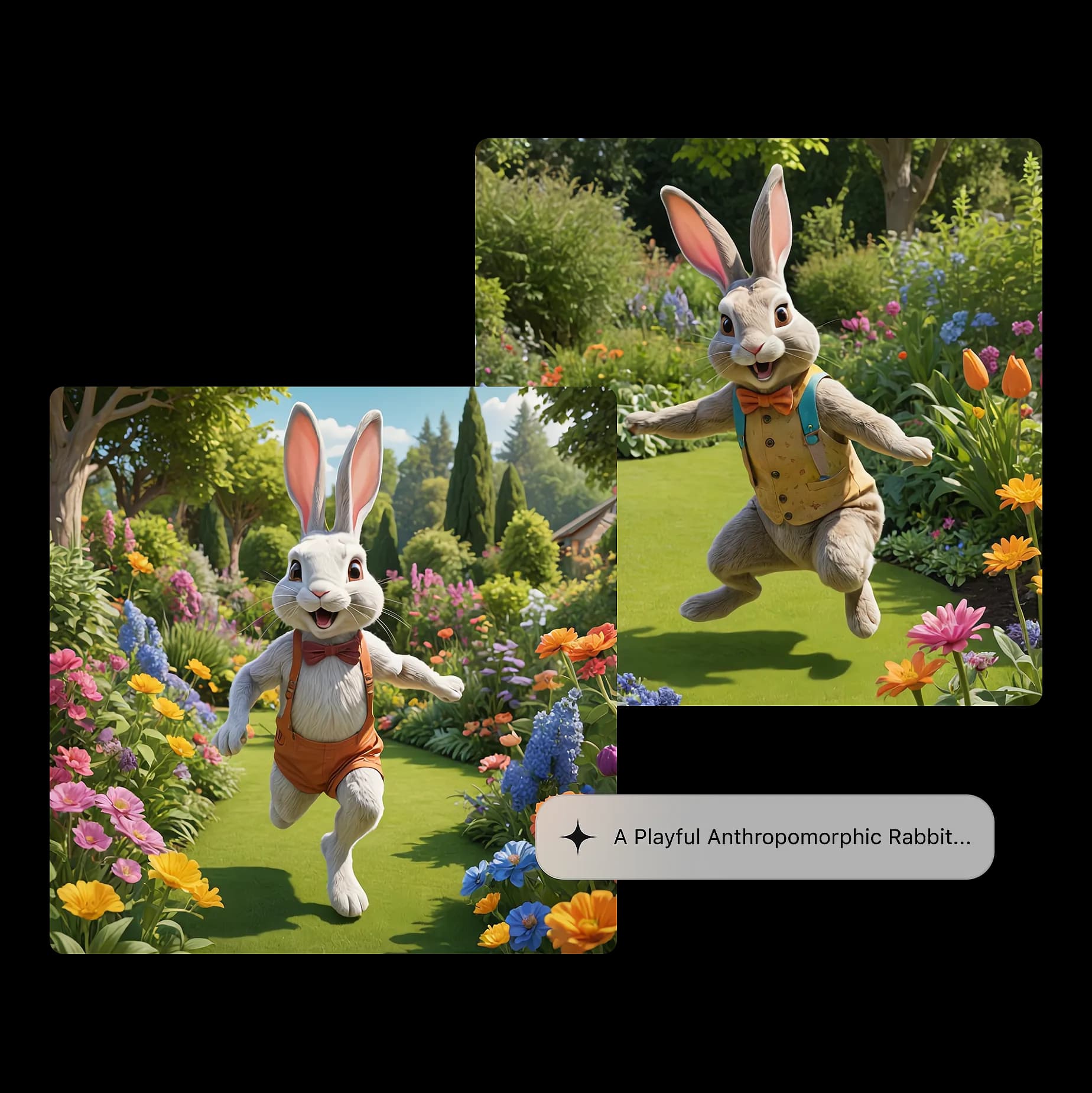
How to Use the Random Image Generator